How do I install NaviFin on my iPad?
Open the App Store on the iPad, running iPadOS 26 or later, and search for NaviFin. Bought it on an iPhone, Mac or Apple TV with the same Apple ID? Then it is a free download on the iPad: it is one Universal Purchase.
Does NaviFin work on iPad mini?
Yes. NaviFin runs on iPad Pro, iPad Air and iPad mini with iPadOS 26 or later, in portrait and landscape.
What server does NaviFin need?
Your own Jellyfin server, version 10.9 or later. NaviFin is an independent client and does not work with Plex or Emby.
How much does it cost, and does one purchase cover the iPad?
$6.99 once. One Universal Purchase covers iPad, iPhone, Mac and Apple TV, with no subscription and no in-app purchases.
Is the iPad version just the iPhone app enlarged?
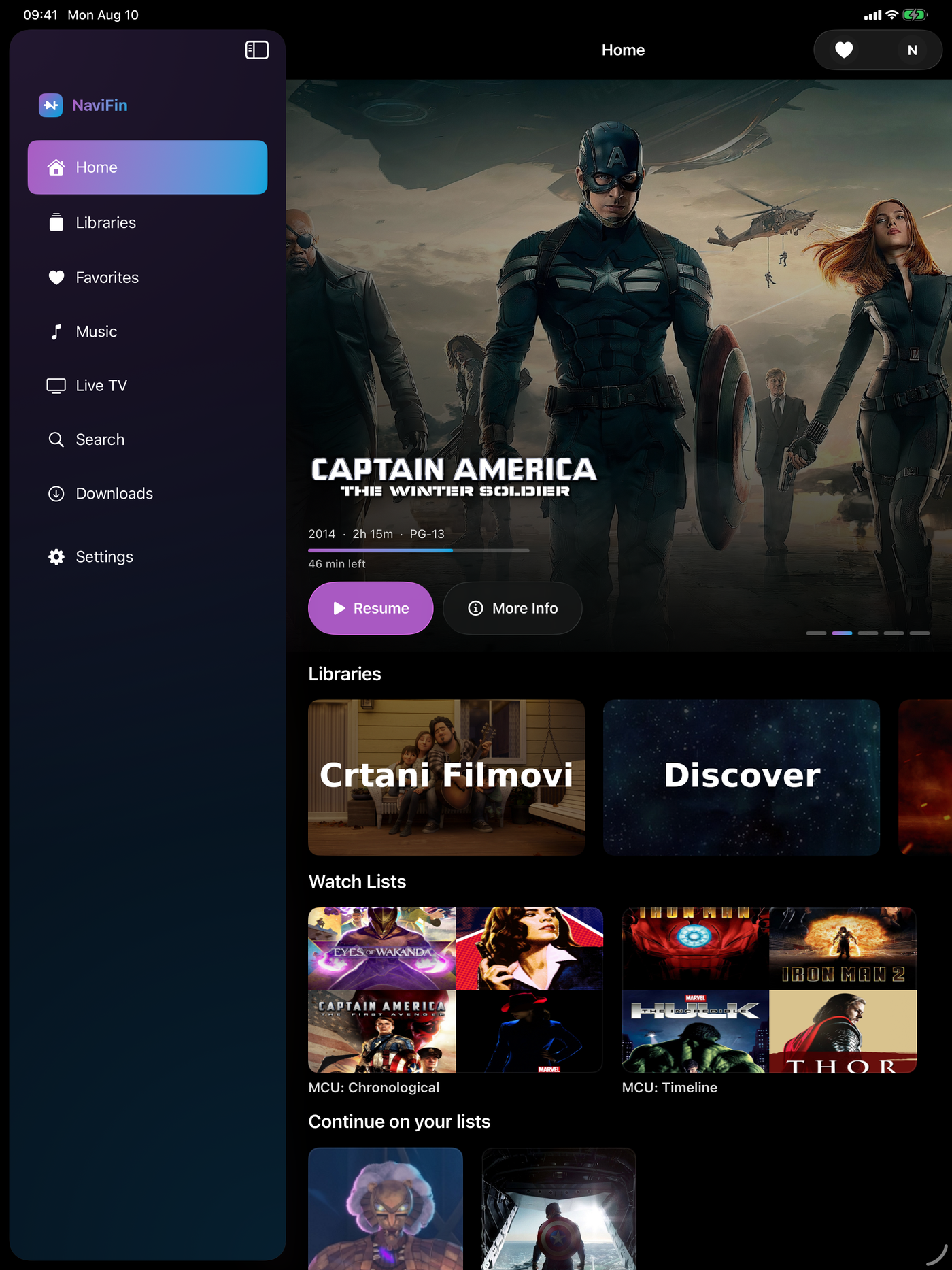
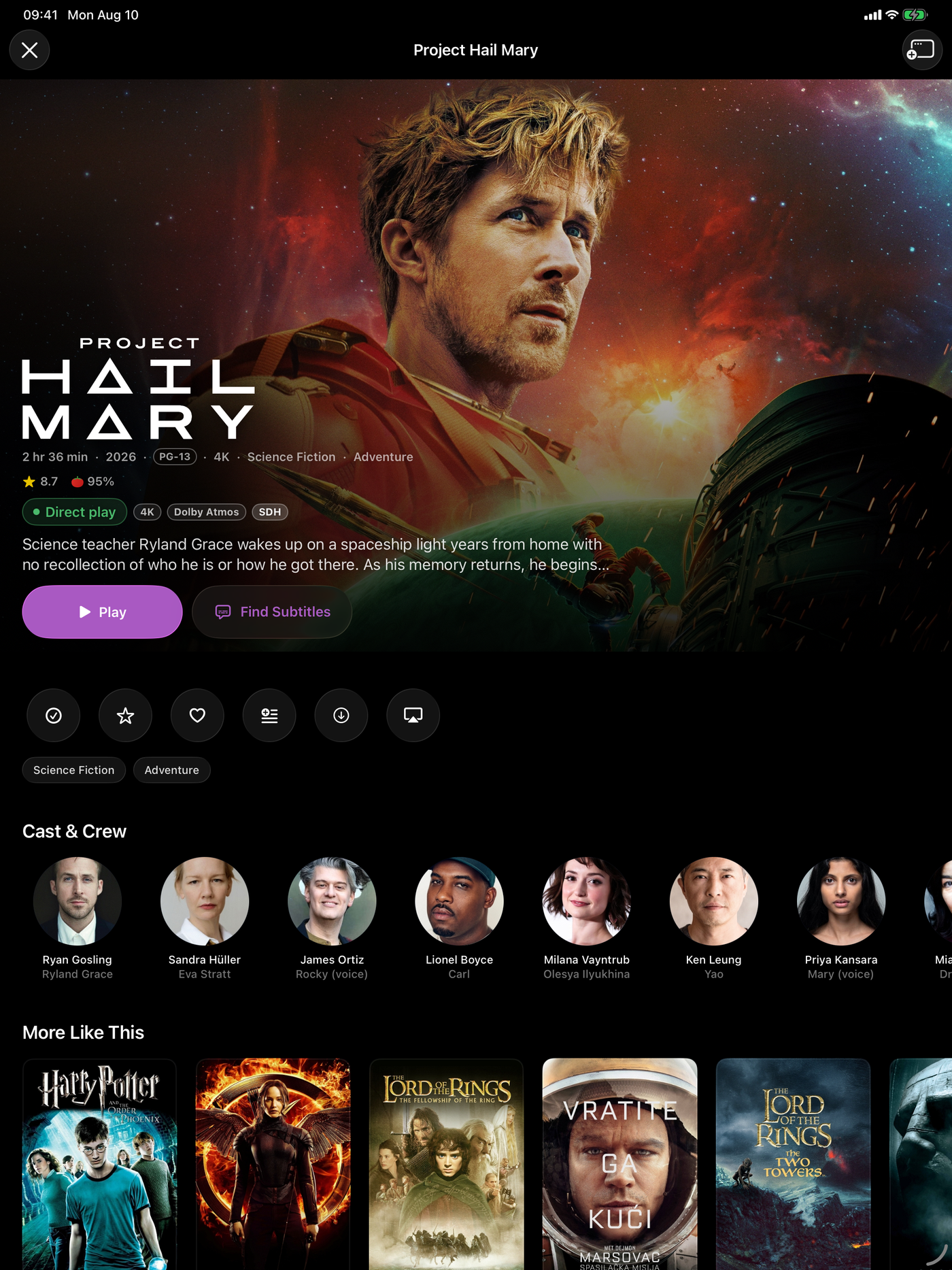
No. It has an adaptive sidebar and detail layout, landscape support across every iPad size, and a Picture in Picture player, laid out for the larger screen.
Can I download for offline viewing on iPad?
Yes. Download movies and episodes, and your watch state syncs back to your Jellyfin server when you reconnect.