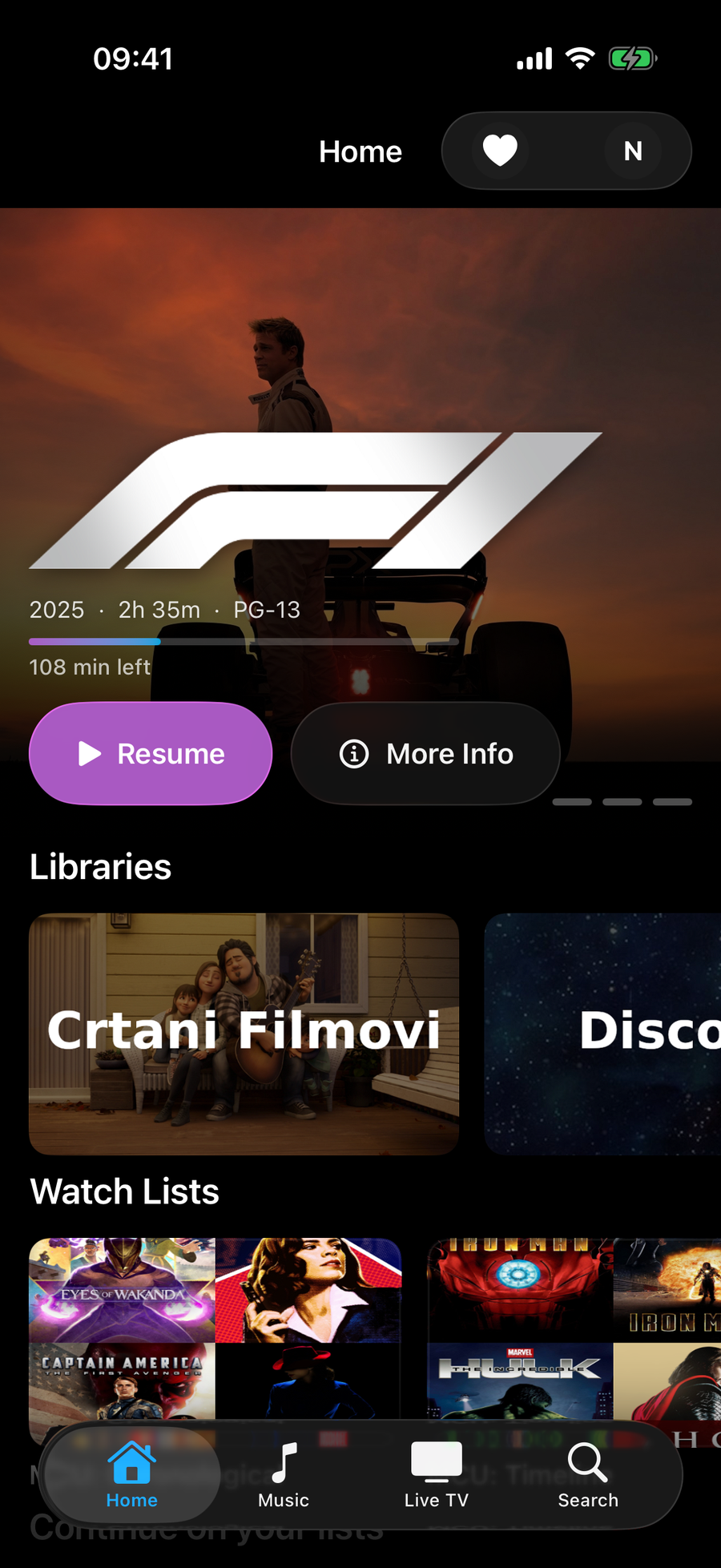
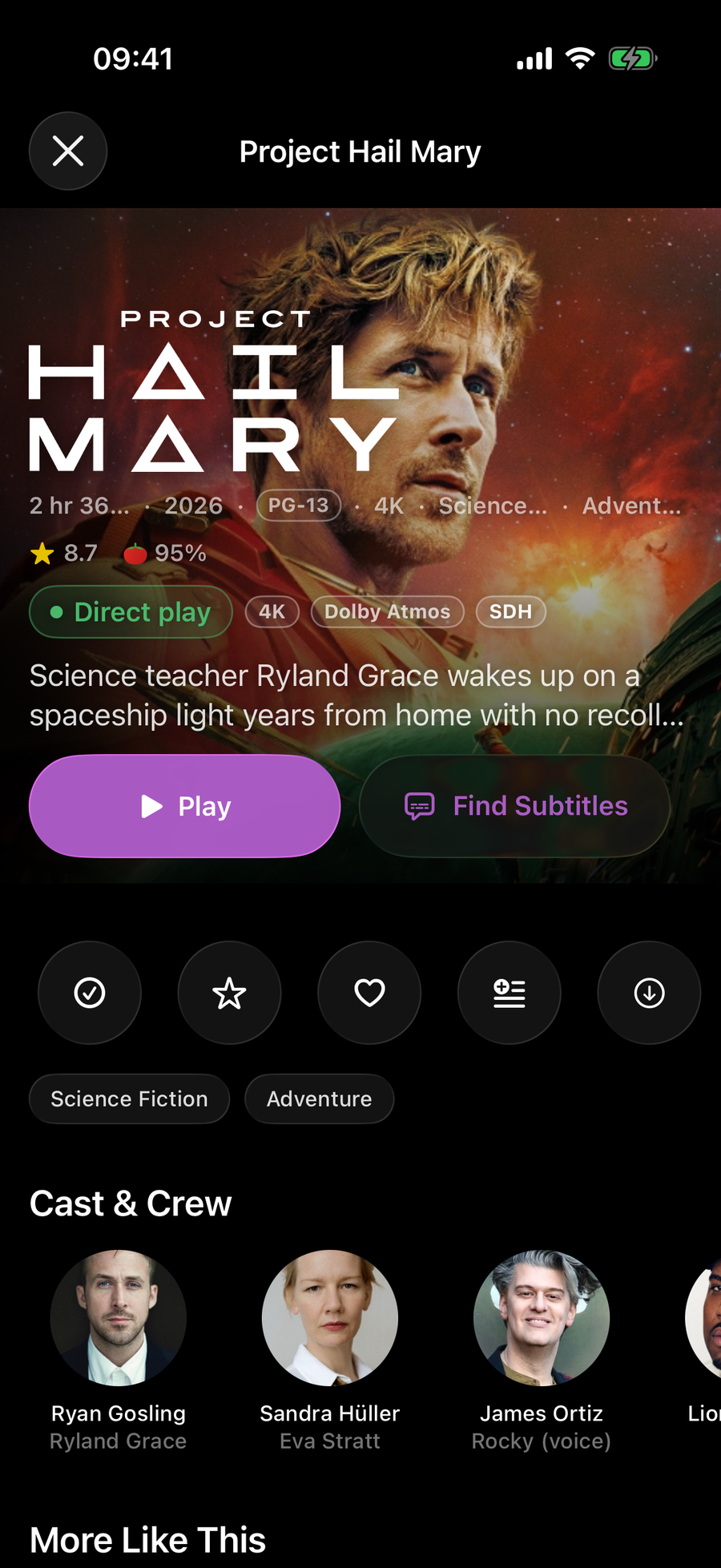
How do I install NaviFin on my iPhone?
Open the App Store on the phone, running iOS 26 or later, and search for NaviFin. Bought it on an iPad, Mac or Apple TV with the same Apple ID? Then it is a free download on the phone: it is one Universal Purchase.
Which iPhones does NaviFin support?
iPhone 12 and later, on iOS 26 or later.
What server does NaviFin need?
Your own Jellyfin server, version 10.9 or later. NaviFin is an independent client and does not work with Plex or Emby.
How much does it cost, and does one purchase cover the iPhone?
$6.99 once. One Universal Purchase covers iPhone, iPad, Mac and Apple TV, with no subscription and no in-app purchases.
Can I download movies and episodes for a flight?
Yes. Download them for offline playback; when you reconnect, your watch state syncs back to your Jellyfin server. Smart Downloads can keep the next unwatched episodes of a show on the phone by itself, once you switch it on.
Does NaviFin support AirPlay and Picture in Picture on iPhone?
Yes, both. Send video to an Apple TV or AirPlay speaker, or keep watching in Picture in Picture while you use other apps.